Chefless IQ Support
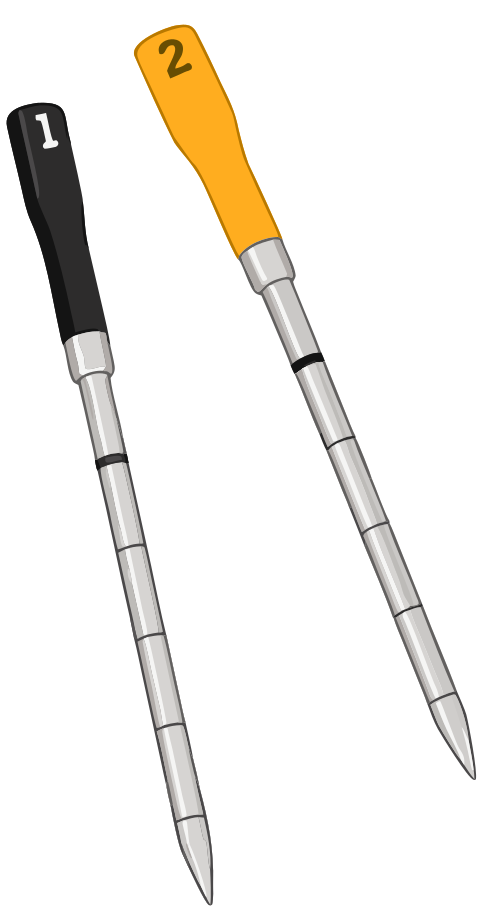
Need help with Chefless IQ? Send a note and include what probe you are using,
your iPhone model, and what you expected to happen.
Contact
Email support:
atyc.support@gmail.com
Basic troubleshooting
- Make sure the probe is awake by removing it from the Smart Hub.
- Make sure the probe has remaining battery.
- Make sure Bluetooth is enabled on your iPhone.
- Allow Bluetooth permission for Chefless IQ when prompted.
- If the app shows no probe, keep the probe nearby and wait a few seconds.
- If readings stop updating, return the probe to the hub, remove it again, and reopen the app.
Privacy
Read the
Chefless IQ Privacy Notice.
Independent app notice
Chefless IQ is a third-party app and is not affiliated with, sponsored by, or endorsed by
CHEF iQ. CHEF iQ and CQ60 are referenced only to describe hardware compatibility.